
Services
Software Development
Custom software shaped around how your business runs: CRM, ERP, inventory and billing, with the dashboards that tie them together.
How it works
How data flows through your business
The real value of business software is that you enter information once and it flows everywhere it's needed. Here's how one sale moves through a connected system, the same flow we built for GUJJUBAZAR's showrooms.
Step 1: Enquiry
Walk-in, call, WhatsApp or website
Step 2: Customer
Saved in the CRM with source and salesman
Step 3: Bill
One form: branch, items, delivery date
One entry, used five times
Step 4: Payment
Advance and balance tracked
Updated from step 3
Step 5: Stock
Updated for that branch
Updated from step 3
Step 6: Delivery
Scheduled and tracked
Updated from step 3
Step 7: Dashboard
Sales and profit by branch
Updated from step 3
Step 8: Follow-up
Feedback and referrals
Updated from step 3
One entry, used five times: the details typed at the bill also update payments, stock, delivery, the dashboard and follow-ups.
See what happens at each step
01 Enquiry
What your team doesNotes who called or walked in
What the system does automaticallyRecords the source: showroom, website, WhatsApp or referral
02 Customer
What your team doesConfirms name and phone
What the system does automaticallyFinds existing customers and keeps the full history in one place
03 Bill
What your team doesFills one form: items, branch, salesman, delivery date
What the system does automaticallyWorks out totals, numbers the bill and creates a shareable copy
04 Payment
What your team doesTakes the advance
What the system does automaticallyTracks paid and due amounts; shows who still owes what
05 Stock
What your team doesNothing
What the system does automaticallyUpdates stock at that branch with the sale
06 Delivery
What your team doesConfirms the delivery
What the system does automaticallyKeeps the delivery status visible to the team
07 Dashboard
What your team doesThe owner checks the numbers
What the system does automaticallyShows sales, costs and profit by branch, salesman and source
08 Follow-up
What your team doesFollows up with the customer
What the system does automaticallyKeeps feedback and referral rewards in one place
The difference
Before and after: what changes for your team
Before: Sheets, notebooks and WhatsApp
Billing
Before: Handwritten or Excel bills; formats differ by branch
After: One bill form for every branch; consistent, numbered bills
Customer history
Before: Scattered across phones and chat groups
After: Every customer's purchases, payments and feedback in one place
Pending payments
Before: Someone keeps a list and has to remember
After: Due amounts visible at a glance
Stock
Before: Counted by hand; branches call each other
After: Stock per branch, updated with every bill
Owner's view
Before: Waiting for each branch's numbers at month-end
After: Sales, costs and profit by branch whenever you look
Salesmen and referrals
Before: Commissions and rewards worked out by hand
After: Tracked in the system, with a portal for referral partners
Decisions
Before: Based on memory and estimates
After: Based on reports: which branch, product and source performs best
New staff
Before: Learn each branch's own way of working
After: Learn one system with clear roles
These are the kinds of changes connected software brings; the actual effect depends on your business and how the team uses it.
What we build
Software Development capabilities
CRM systems
Customers, enquiries, follow-ups and sales in one place, shared across your team and branches.
ERP systems
Purchasing, stock, production and accounts connected, so every department works from the same data.
Inventory management
Stock levels across warehouses and showrooms, with low-stock alerts and movement history.
Billing and invoicing
GST-ready bills and invoices, advance payments, due dates and printable or shareable PDFs.
Booking and rental systems
Availability calendars, bookings, deposits and returns for rentals, appointments and venues.
Admin panels and dashboards
Dashboards that show sales, enquiries and performance by branch, person or source.
Reports and analytics
Reports you can filter and export, so decisions come from numbers rather than guesswork.
Business workflow automation
Reminders, approvals, WhatsApp and email notifications that run without manual follow-up.
Work that shows it
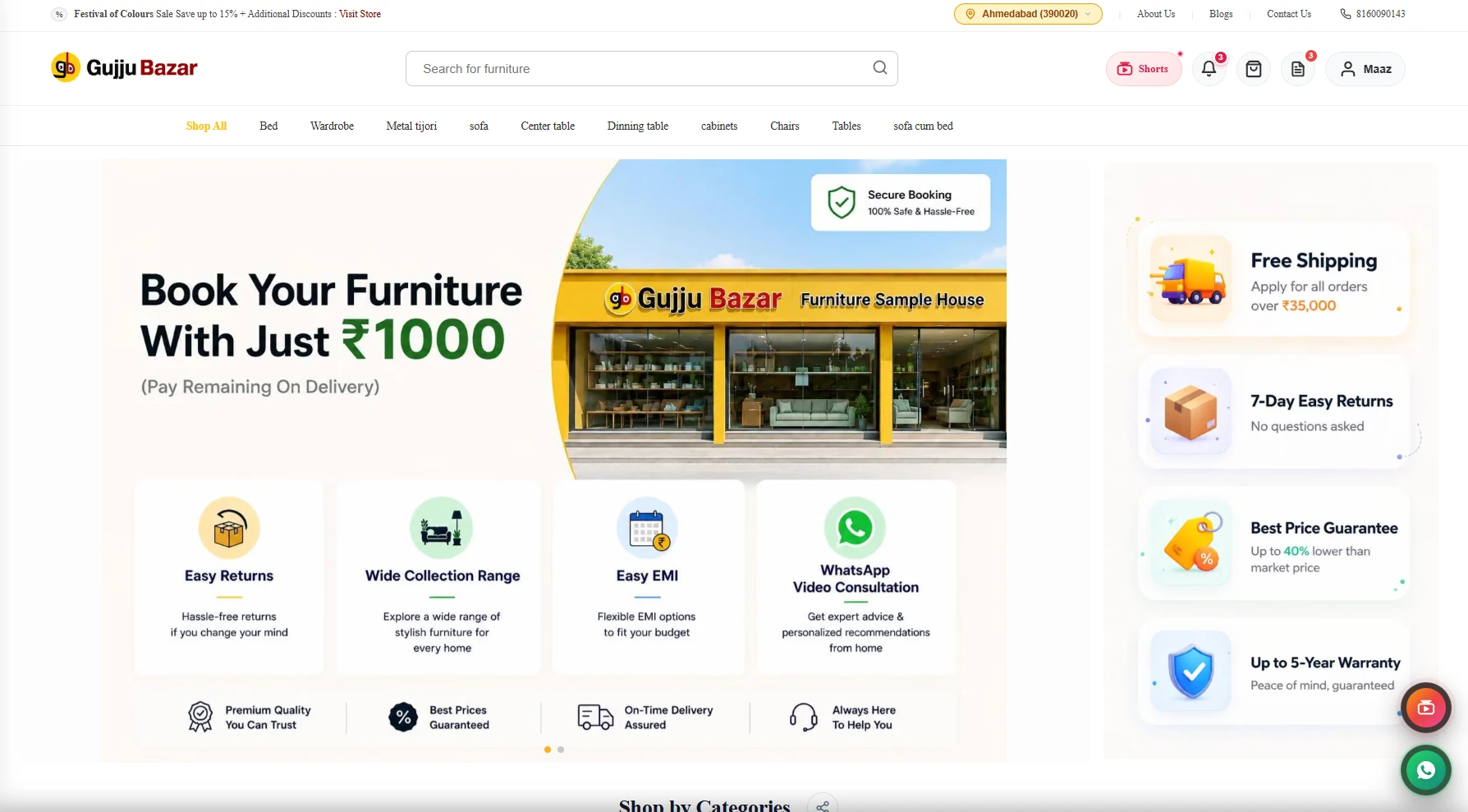
- gujjubazar.com/
How we work
Four steps. No mystery.
Discover
Understand the business, requirements and objectives.
Design
Define the experience, structure and solution.
Build
Develop, integrate and test.
Launch
Deploy, support and continuously improve.