
Services
E-commerce Development
Stores that make it easy to browse, buy and come back, with the tools to manage orders behind the scenes.
How it works
How an order flows through your store
An online store is more than product pages. Here's what happens from the first look to a repeat customer, and what the store handles at each step.
Step 1: Discover
Finds you on Google, Instagram or an ad
Step 2: Browse
Filters by category, budget or style
Step 3: Cart
Adds products and applies an offer
Step 4: Pay
UPI, card, net banking or COD
Step 5: Confirm
Gets a confirmation; stock updates
Step 6: Ship
Your team packs and dispatches
Step 7: Deliver
Tracks the order to the door
Step 8: Return
Reviews and repeat orders
The customer sees a smooth checkout; your team sees every order, payment and stock change in one admin panel.
See what happens at each step
01 Discover
What the customer doesFinds a product through search, social or an ad
What the store does for youProduct SEO and shareable product links bring them in
02 Browse
What the customer doesExplores categories and products
What the store does for youClear categories, filters, photos and videos help them choose
03 Cart
What the customer doesAdds to cart and uses a coupon
What the store does for youOffers and coupons apply automatically
04 Pay
What the customer doesPays online or chooses cash on delivery
What the store does for youA secure payment gateway; money reaches your bank account
05 Confirm
What the customer doesReceives an order confirmation
What the store does for youConfirmation sent and stock reduced automatically
06 Ship
What the customer doesWaits for dispatch
What the store does for youYour team sees the order, packs it and marks it shipped
07 Deliver
What the customer doesTracks the delivery
What the store does for youDelivery status updates for the customer
08 Return
What the customer doesLeaves a review and comes back
What the store does for youOffers for repeat customers and reviews build the next sale
The difference
Before and after an online store
Before: Selling through Instagram DMs, calls and WhatsApp
Taking orders
Before: One chat at a time; orders get missed
After: Customers order any time, even while you sleep
Showing products
Before: Photos scattered across posts and chats
After: Every product with photos, variants and details in one place
Payments
Before: Transfer screenshots checked by hand
After: Online payments confirmed automatically
Stock
Before: Guessing what's available
After: Stock updates with every order
Order tracking
Before: Customers keep asking where their order is
After: Status updates the customer can check
Reach
Before: Only people who already follow you
After: Customers searching on Google find your products
Knowing what sells
Before: Rough memory
After: Reports on top products, offers and where buyers came from
These are the kinds of changes an online store brings; the actual effect depends on your products and marketing.
What we build
E-commerce Development capabilities
Shopify stores
Shopify stores with a custom theme, product setup, payment gateways and apps chosen for your catalogue.
Online stores
Stores with categories, search, filters, cart and checkout that work smoothly on phones.
Product catalogues
Catalogues with variants, prices, photos and videos, organised the way your customers shop.
Checkout and payment integrations
UPI, cards, net banking and cash on delivery through Razorpay or other payment gateways.
E-commerce management systems
An admin panel for orders, stock, customers, coupons and delivery status.
Work that shows it
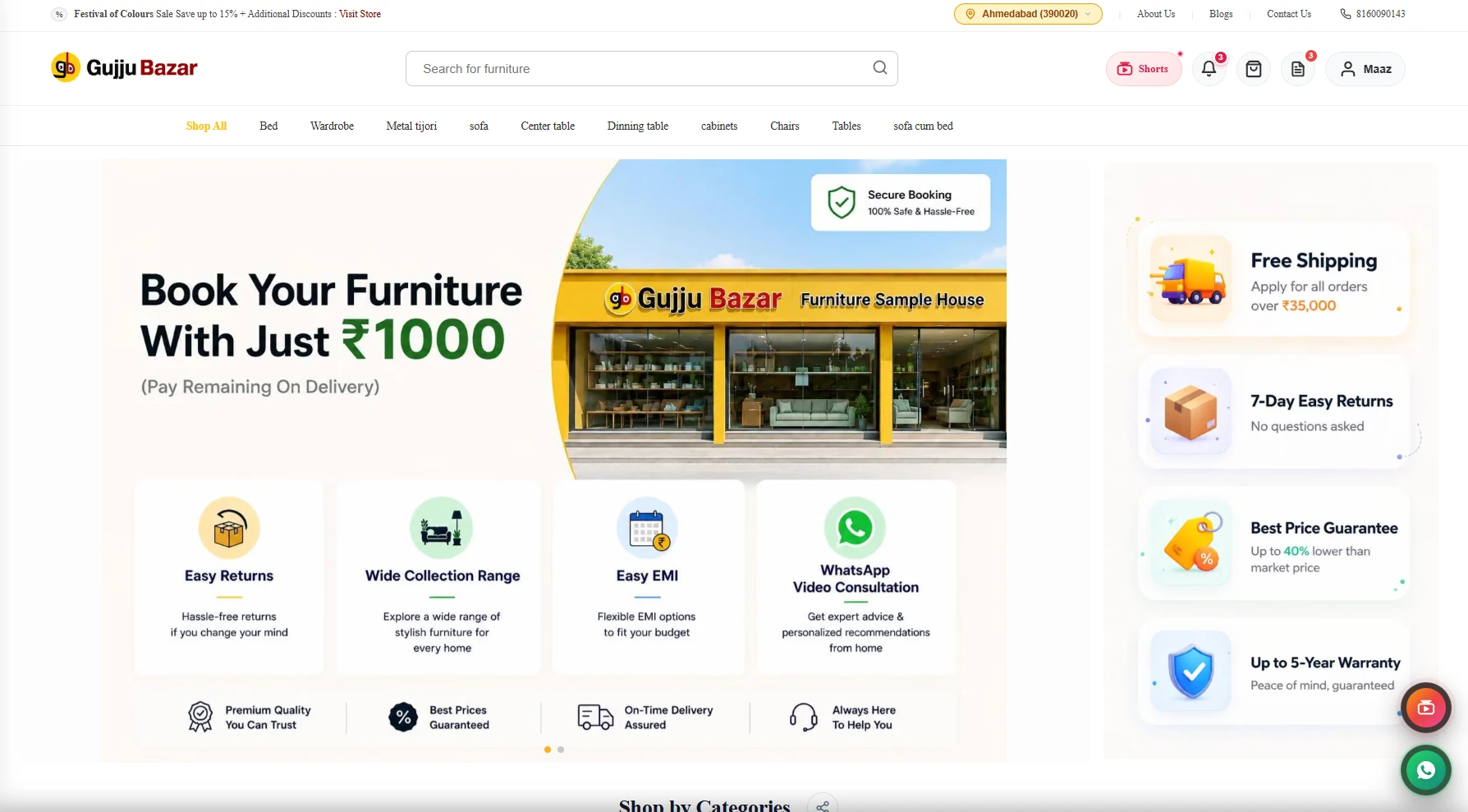
- gujjubazar.com/
How we work
Four steps. No mystery.
Discover
Understand the business, requirements and objectives.
Design
Define the experience, structure and solution.
Build
Develop, integrate and test.
Launch
Deploy, support and continuously improve.